To use SecureLink Portal, you need to be an AllSecure merchant first. Then you will be provided with relevant configuration and parameters allowing you to start using SecureLink.
Accessing SecureLink Portal
Registered users will access the SecureLink Portal via the Url that was provided to them in advance. Once clicking the link, the user will be presented with the login screen as below.
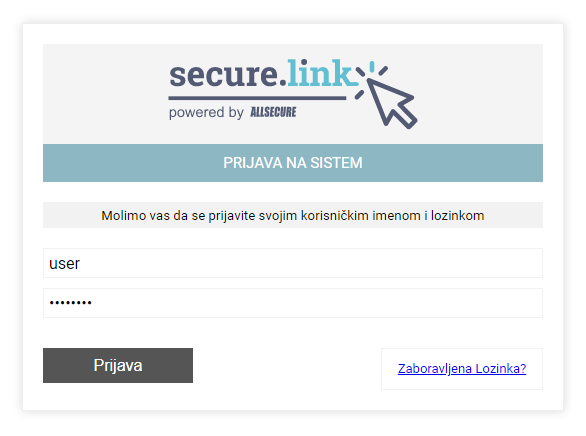
You will be required to enter your SecureLink portal username and password.
Portal Dashboard
Once signed-in, the user will see the portal showing basic graphics and analysis. The top menu displays the following functionalities:
- Invoice
- New Invoice
- Invoice List
- Transactions
- User / Merchant Management
- Language options